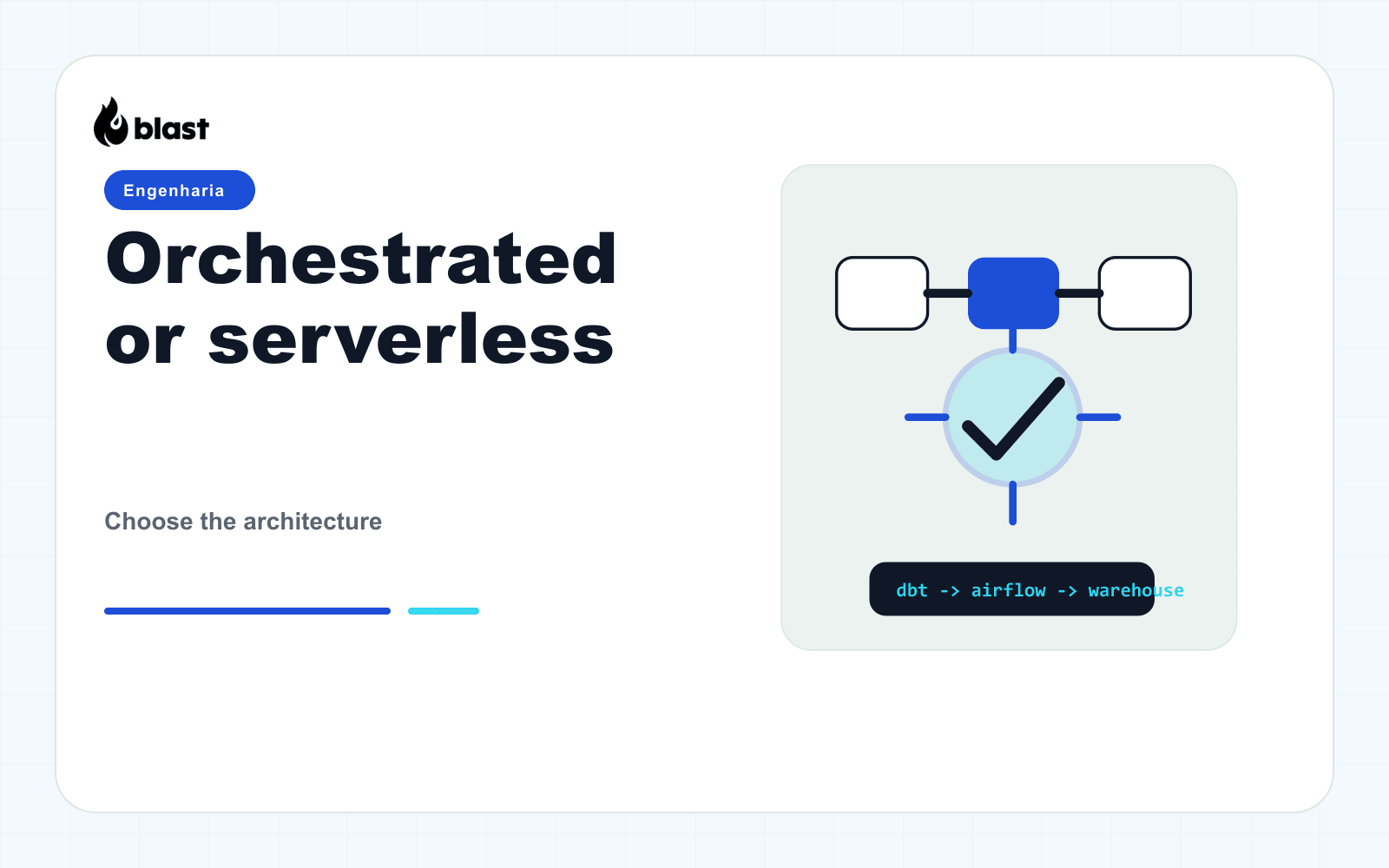
Apache Airflow is a workflow orchestrator for data pipelines. This guide shows a safe, minimal setup you can grow later.
1. Choose your installation path
If you want a quick local setup, use Docker Compose. If you are deploying to production, plan for a managed database and a proper executor.
Local (recommended for POC):
- Docker
- Postgres
- LocalExecutor
Production (baseline):
- Postgres or MySQL
- Redis (for Celery)
- CeleryExecutor or KubernetesExecutor
2. Local setup with Docker Compose
- Create a new folder and copy the official Airflow
docker-compose.yaml. - Set the required environment variables in a
.envfile. - Initialize the database and create an admin user.
Example commands:
mkdir airflow-poc
cd airflow-poc
curl -LfO 'https://airflow.apache.org/docs/apache-airflow/2.8.0/docker-compose.yaml'
mkdir -p ./dags ./logs ./plugins

echo "AIRFLOW_UID=50000" > .env

docker compose up airflow-init

docker compose up -d
Once it is running, open http://localhost:8080 and log in.
3. Create your first DAG
Inside ./dags, create a simple DAG file:
from airflow import DAG
from airflow.operators.bash import BashOperator
from datetime import datetime

with DAG(
    dag_id="hello_airflow",
    start_date=datetime(2024, 1, 1),
    schedule="@daily",
    catchup=False,
) as dag:
    task = BashOperator(
        task_id="print_date",
        bash_command="date",
    )
You should see it in the UI and be able to trigger it.
4. Move toward production
Key upgrades:
- Use a managed Postgres database.
- Store logs in S3 or GCS.
- Move to Celery or Kubernetes executor.
- Add secrets management (Vault, AWS Secrets Manager).
- Add monitoring and alerting.
5. Common pitfalls
- Forgetting to disable
catchupfor non-backfill workloads. - Using SQLite in production.
- Running too many parallel tasks without tuning resources.
If you want, I can provide a production-ready reference architecture next.